
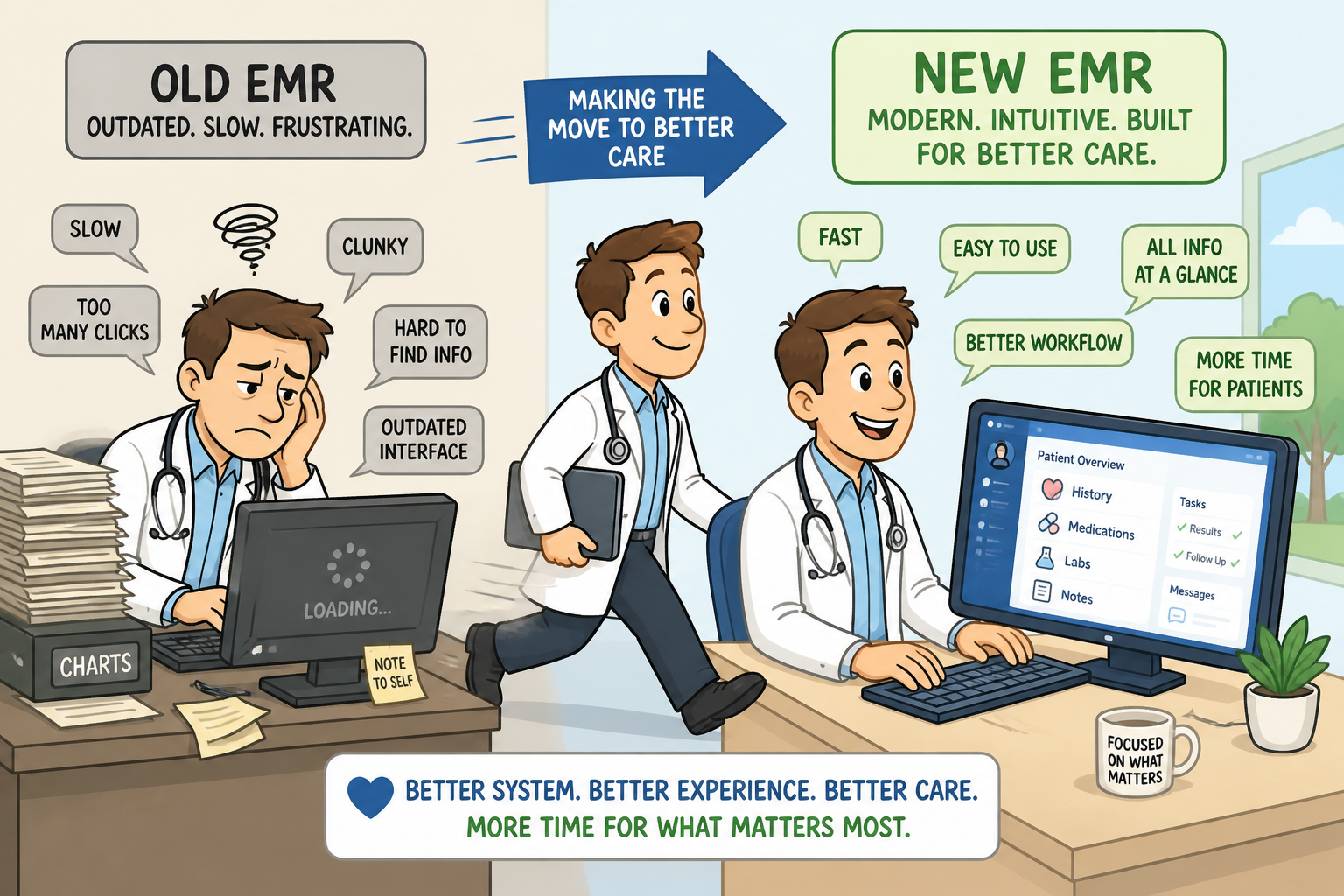
Why Clinics in Ontario Are Switching EMRs
Switching EMRs used to be rare. Today, it’s increasingly common.
Here’s why:
1. Administrative overload is getting worse. Many Ontario physicians spend 15–20 hours per week on administrative work. Much of that comes down to:
- Inefficient workflows
- Too many clicks
- Poor integration between tools
- EMR systems not addressing practice business operations
2. Legacy EMRs weren’t built for modern clinics
Systems like PS Suite, Accuro, and OSCAR Pro are powerful—but many clinics find:
- Interfaces feel outdated
- Customization creates complexity
- Performance slows over time
3. Patient expectations have changed
Modern clinics need:
- Faster documentation
- Better patient communication and engagement tools
- Seamless digital workflows for Doctors, Staff and Patients
Older systems weren’t designed with this in mind. Smaller more focused
EMR providers are constantly innovating to improve the operations of your
practice and clinic, not just provide a basic EMR experience.
4. Integration challenges
Even in Ontario’s connected ecosystem (OLIS, HRM, DMDR, eReferral), many clinics still rely heavily on:
- Fax workarounds
- Third-party add-ons (eg. Private billing for additional non-OHIP services)
- Manual processes (eg. 3rd party forms)
The Biggest Fear: “Will Switching Disrupt My Clinic?”
This is the #1 concern—and it’s valid.
Clinics worry about:
- Data loss
- Downtime
- Staff resistance
- Billing interruptions
👉 The reality:
A well-managed EMR transition is far less disruptive than staying stuck with an inefficient system.
What Actually Happens When You Switch EMRs?
Let’s walk through the real process.
Step 1: Evaluation and Planning
You define:
- Your current pain points
- Must-have features
- Timeline for transition
Step 2: Data Migration
Your patient data is securely transferred, including:
- Demographics
- Charts
- Billing history
- Documents
👉 A good EMR vendor ensures:
- No data loss
- Clean, usable records
- Compliance with PHIPA
- A read only version is available to you so you can implement the new system concurrently
- If you are worried your current vendor will hold your data hostage and try delay your switch, think about it. It would only be because they are aware that you are moving to a better more efficient system and won't be back.
Step 3: System Setup and Customization
Your new EMR is configured to match your clinic’s workflow:
- Templates that you love are made available in the new system
- Billing processes (OHIP) become fully automated and easier
- Scheduling is more flexible
- Additional patient engagement tools are already integrated; such as virtual care, patient portals and registration kiosks.
Step 4: Staff Training
Your team learns the system before going live.
👉 This is critical—ease of use determines success.
Step 5: Go-Live
You transition fully to the new system.
Most clinics:
- Continue seeing their regular flow of patients
- Experience minimal disruption
- See immediate workflow improvements
How Long Does It Take to Switch EMRs in Ontario?
Typical timeline:
- Planning: 2–4 weeks
- Migration + setup: 2–6 weeks depending on the vendor you are switching from.
- Training + go-live: 1–2 weeks
👉 Total: 4 to 10 weeks for most clinics
What to Look for in a Better EMR
If you’re considering switching, focus on what actually matters:
1. Speed and simplicity
Your EMR should:
- Reduce clicks
- Load quickly
- Feel intuitive
2. Workflow efficiency
Look for:
- Faster charting
- Streamlined and automated billing
- Real-Time health card validation
- Real-Time preventive health reminders
- Integrated diagnostic tools
- Patient self-service on portals or kiosk as needed
3. Ontario-specific functionality
Your EMR must support:
- OHIP billing, Real Time Card Validation, Real-Time Correction
- OLIS and HRM and ONEID integration
- Automated Referral workflows
4. Reliable data migration
Ask:
- How is data validated?
- What happens if something is missing?
5. Support and onboarding
This is often overlooked.The right vendor will:
- Guide your transition step-by-step
- Provide real support (not just documentation)
Common Mistakes to Avoid When Switching EMRs
❌ Waiting too long
Many clinics delay switching for years—losing time and revenue.
❌ Underestimating the importance of proper training
Even the best system fails without proper onboarding.
❌ Choosing based on price alone
Lower cost doesn’t mean better value. But if your vendor just hiked your price without any additional benefit, it may be time for a switch.
❌ Ignoring workflow fit
An EMR should adapt to your clinic—not the other way around.
Is Switching Worth It?
For most clinics, the answer is yes.
A better EMR will:
- Save you hours each week
- Improve your income and reduce your expenses
- Reduce staff frustration
- Enhance patient care and engagement
The Opportunity: A More Efficient and Enjoyable Practice
Your clinic's and your practice's efficiency is entirely driven by the EMR you choose to operate it, and all its moving parts.
The goal isn’t just a new system.
It’s:
- Less admin work for Staff and for Doctors and Nurses
- Better workflows that run 'automagically' saving time and reducing error
- A more sustainable practice
Final Thoughts
Switching EMRs in Ontario may feel like a big step—but staying with the wrong system will cost you more in the long run.
The key is choosing a platform that:
- Fits your workflow
- Supports your growth
- Makes everyone in your practice's day easier—not harder
Thinking About Switching? At Canadian Health Systems (CHS), we focus on helping clinics transition smoothly to a modern, efficient EMR experience. If you’re exploring your options, we’re happy to walk you through:
- What switching looks like for your clinic
- How your data would be handled
- What improvements you can expect